How to restart your seedbox
All our servers come with automation software, which checks every 10 minutes every aspect of the server to guarantee its normal operation. This service checks if your torrent client is running too. If it's not, then it starts it automatically.
There are cases though, that even after the restart, your client continues to be offline. This means that your client has crashed during its startup. Common reasons for rtorrent to crash are:
- Your diskspace limit has been reached
- You tried to delete very large files from within rutorrent.
In this case, you should correct the problem (free some disk space, or delete the files manually via ftp or ssh) and then issue a restart on your torrent client.
In order to do this, follow this simple procedure:
- Login to your client area.
- After you log in to your seedbox account, click in the "My Client Area" button.

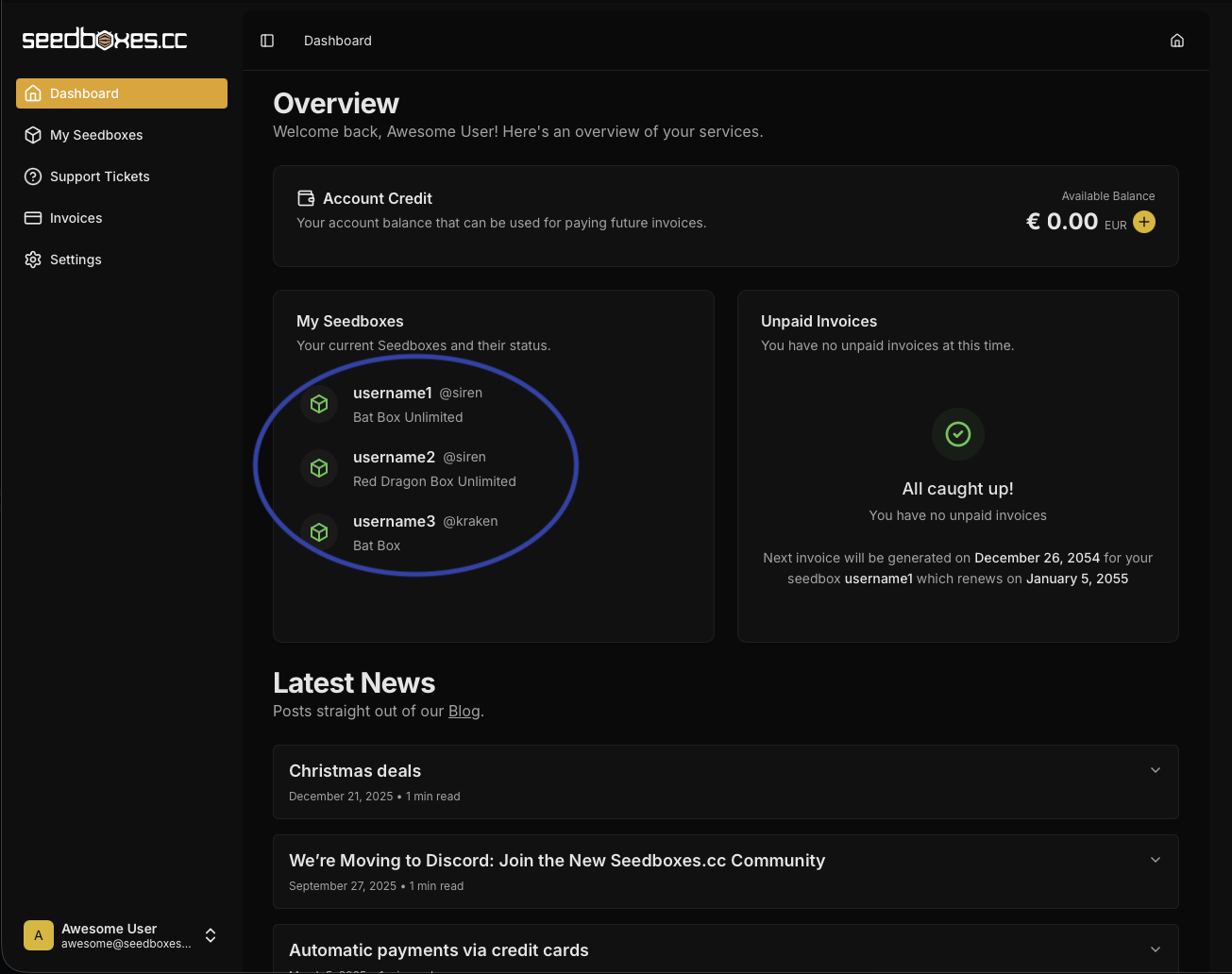
- Select the seedbox you are interested in from the "My Seedboxes" list.
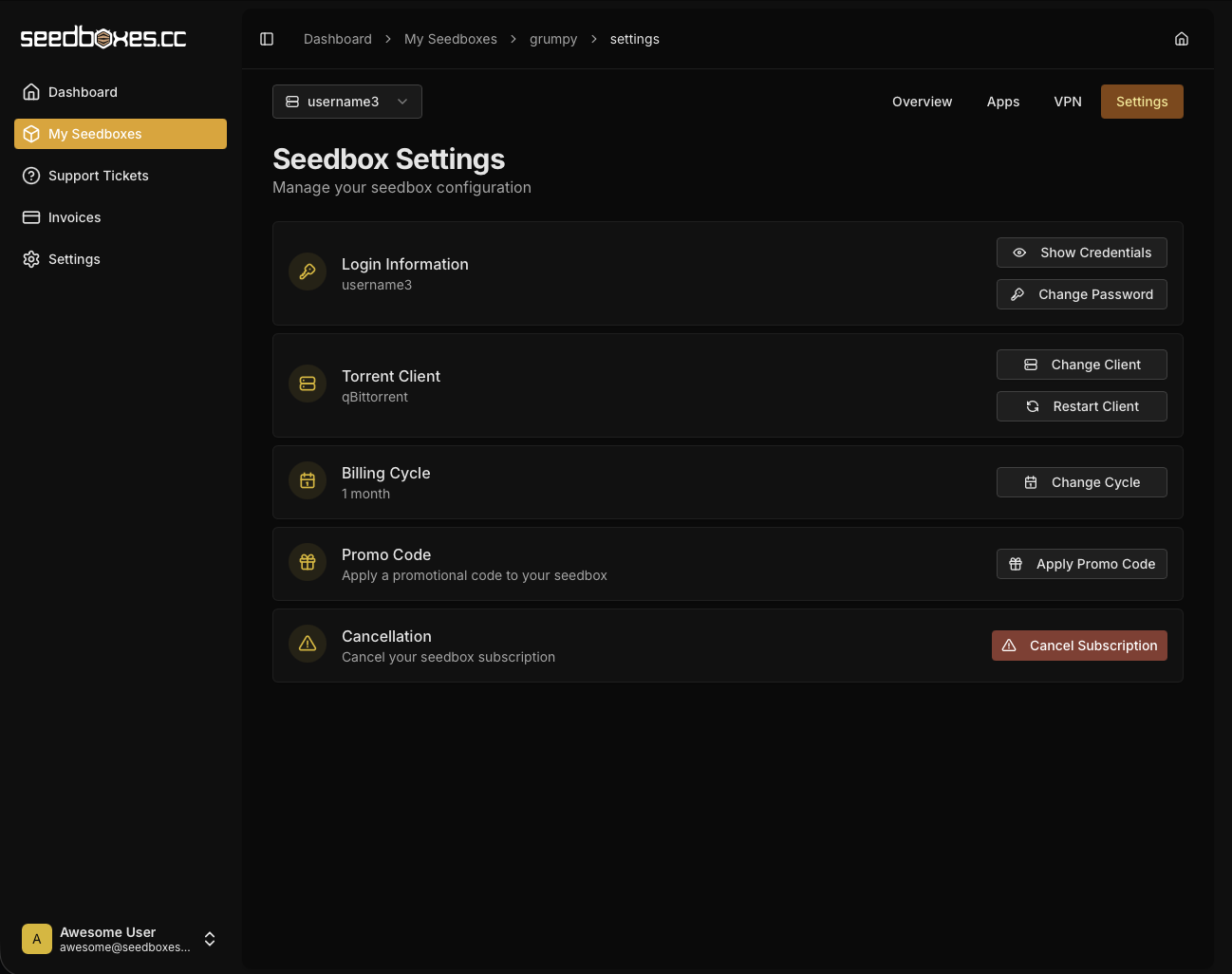
- In your Seedbox view, click on "Settings" and then on the "Restart Client" Button, in order to restart your torrent client.