How to change your seedbox password
Changing your seedbox password is a simple procedure:
- Login to your client area. After you log in to your seedboxes.cc account, click in the "My Client Area" button.

- In your dashboard, select the seedbox where you want to change the password.
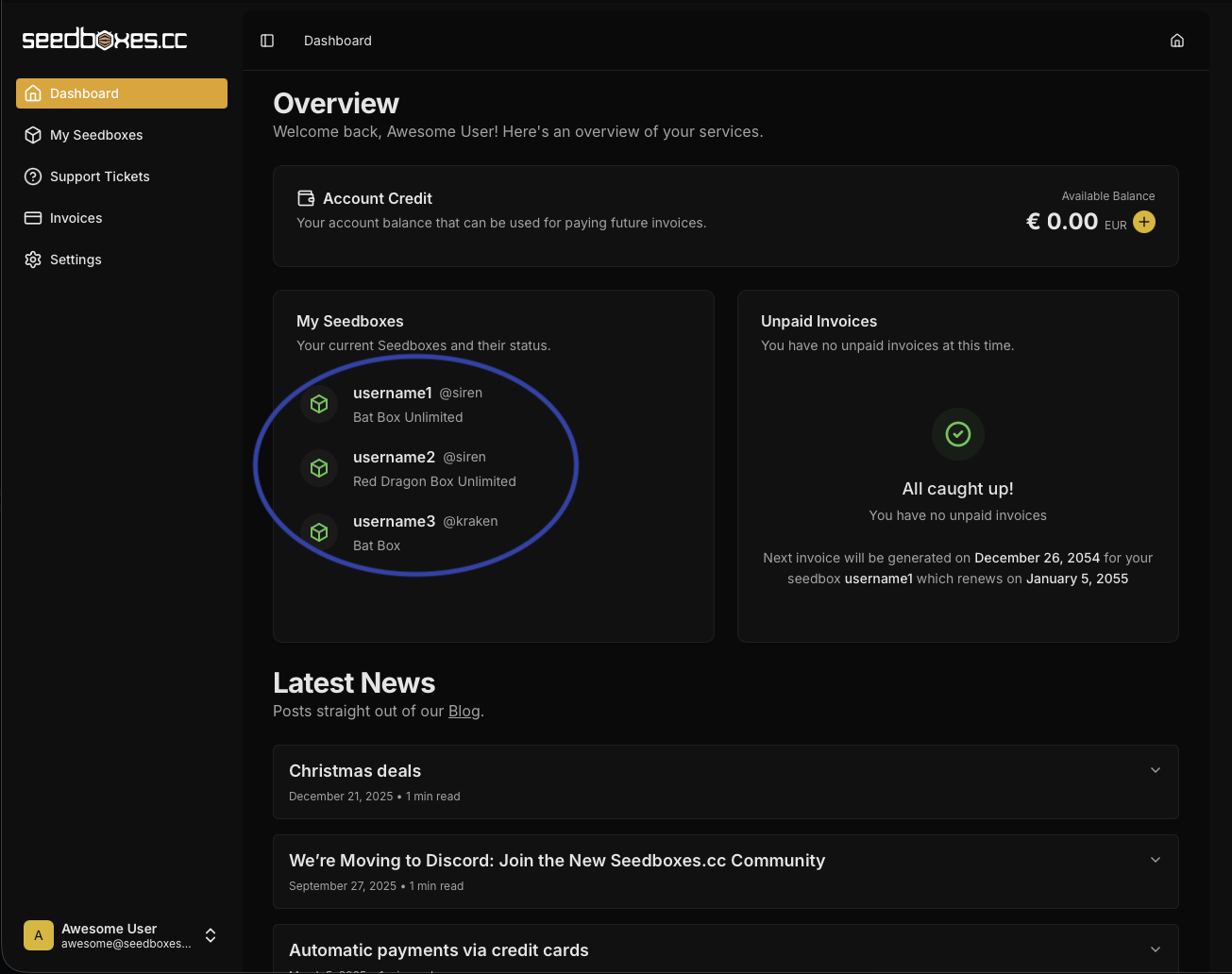
- Navigate to "Settings". Go to the "Login Information" section. Go to "Change Password".
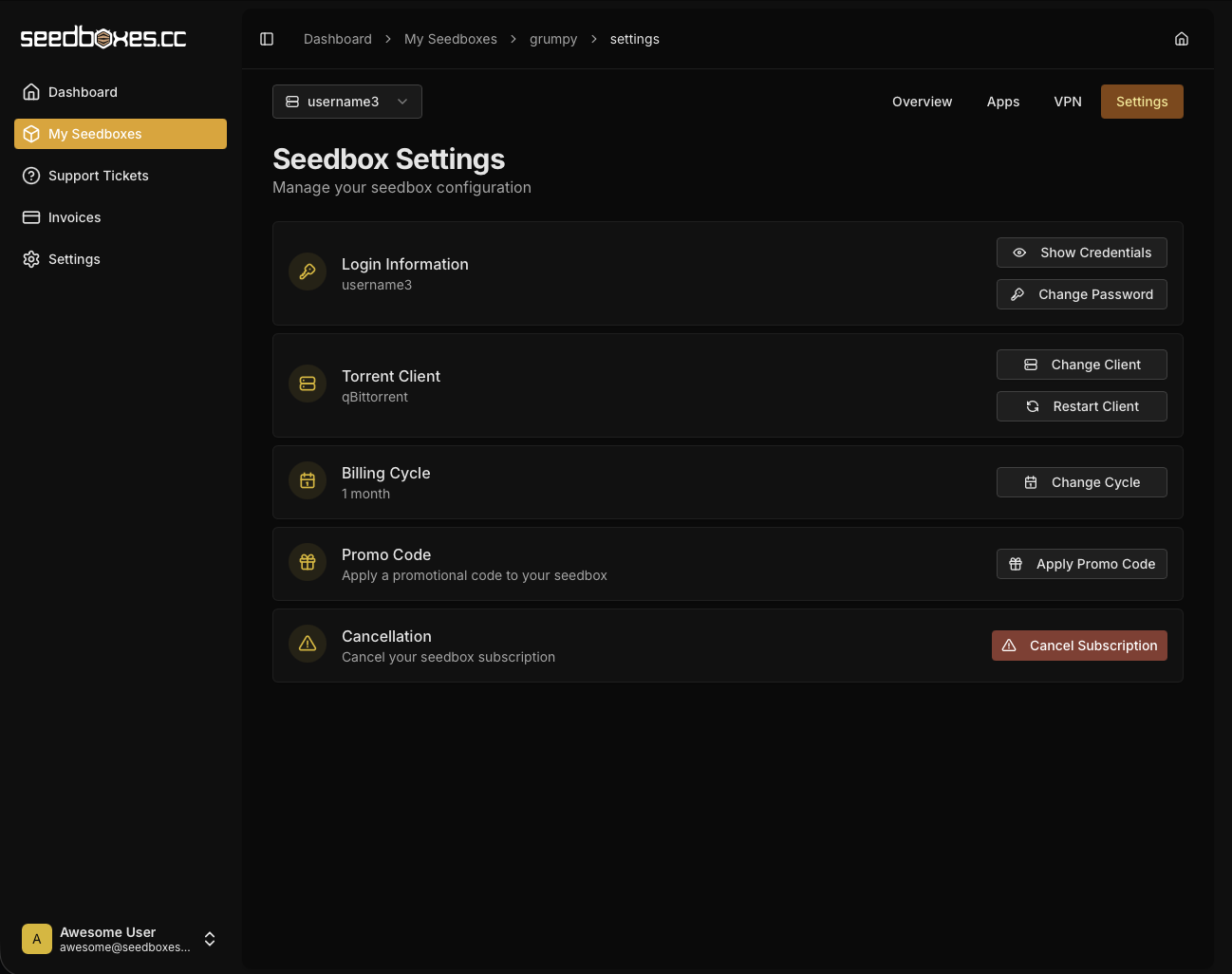
- The figure below shows the window that is going to pop when you click on "Change Password".
- Go ahead and type a new password. It should be less than 20 characters. Only alphanumeric characters are allowed.
- Click "Change Password" and you shall receive a confirmation that your password has been changed. Please allow 1-2 minutes for the change to propagate to your server then try to login with your new password.